

Block Consult DD
A desktop workbench for due diligence on crypto, tokens, real-world assets and private offers. Keep intake, evidence, findings, scorecards and reports together in one case.
Desktop app · English interface · MIT licensed
Keep the review in one case.
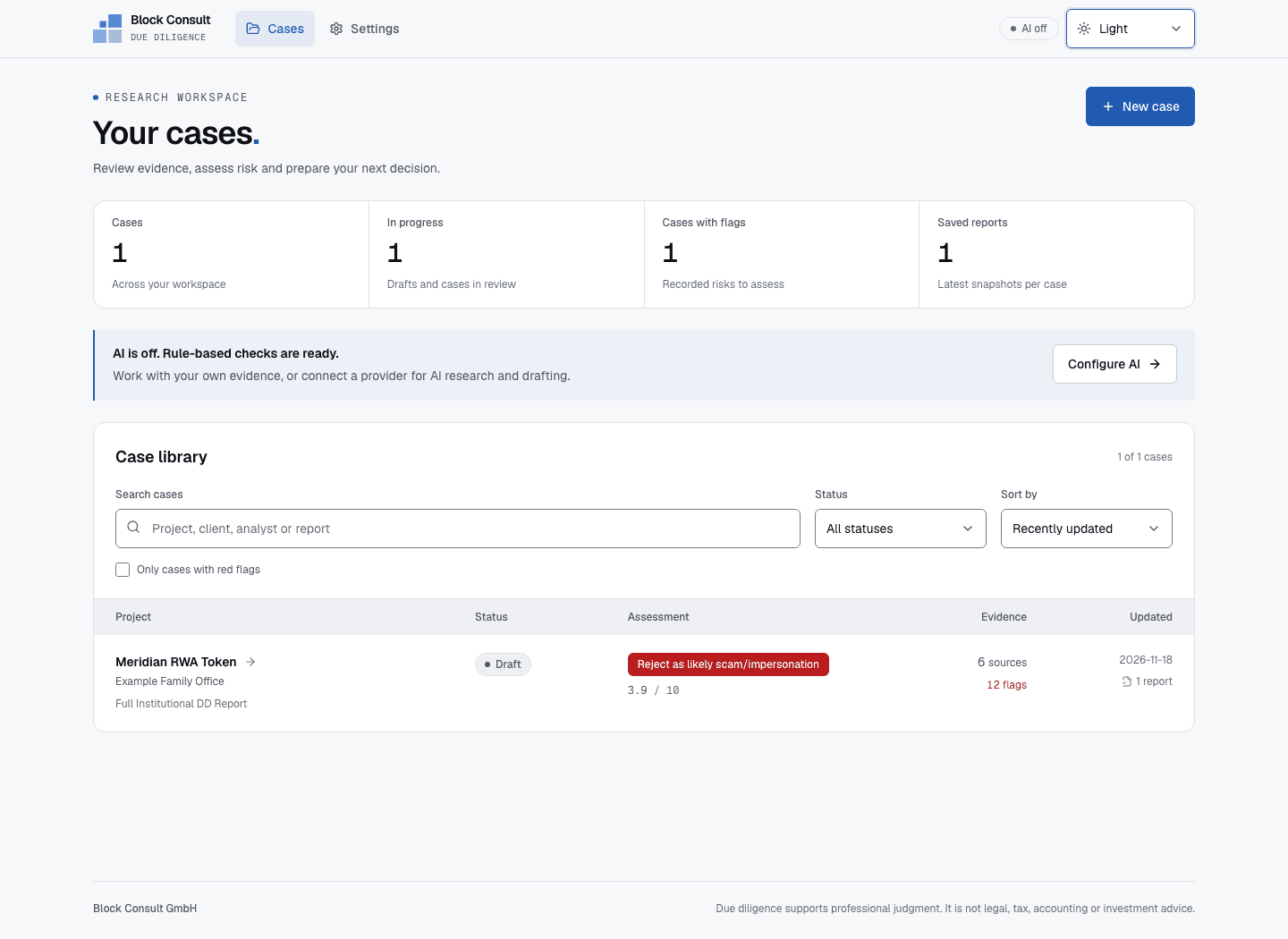
Intake and evidence
Record the offer, entities, contracts and counterparties. Keep source material and evidence claims alongside the questions still to resolve.
Research and scoring
Run rule-based checks, review findings and record analyst scores. Optional AI research can propose findings with citations; you review the results.
Reports and exports
Save a report snapshot with HTML, Markdown and an evidence manifest. Preview the current case or export it as a PDF.
Install and start a case.
Choose Windows for a 64-bit Windows PC. On Mac, choose the installer for Apple silicon or Intel. Each app bundles what it needs to run; no separate database or Node.js installation is required.
- Open the Mac disk image and drag the app to Applications, or run the Windows installer.
- Choose Load example case to explore the fictional Meridian case, or create a new case.
- Add your evidence, run the rule-based checks and review the findings and scorecard before generating a report.
Check the release notes for signing and notarization status, checksums and platform verification.
Release notes and installation details ↗ (opens in a new tab)Your data and optional AI
Case records, source text and reports are stored locally. The rule-based workflow needs no AI account. Optional provider connections and web research contact external services.
AI research and drafting use your own provider account and send the relevant case material to that provider. Consider case confidentiality before enabling these features. The app interface is currently in English.
Back up the app's data folder before upgrading. The README explains storage locations, backups and provider setup.
Read the documentation ↗ (opens in a new tab)Choose the review you need.
Use the browser scorecard for a focused evidence review, or work with Block Consult on a due-diligence mandate.